> For the complete documentation index, see [llms.txt](https://docs.spacetoken.tech/llms.txt). Markdown versions of documentation pages are available by appending `.md` to page URLs; this page is available as [Markdown](https://docs.spacetoken.tech/tutorials/how-to-link-your-wallet-to-final-autoclaim.md).

# How to link your wallet to Final Autoclaim?

Linking your wallet tells Final Autoclaim which address is yours. It is what unlocks the **SPACE** and **SPACE LP** holder benefits, and it is where your withdrawals are sent.

{% hint style="info" %}
Linking only asks you to **sign a message**. It is not a transaction: it costs no gas and it never moves your funds.
{% endhint %}

### Before you start

Install a Web3 wallet and create or import a wallet in it.

* **On desktop** we recommend [Rabby](https://rabby.io), since that's probably the most secure and the user experience is great. MetaMask, Trust Wallet and Frame also work.
* **On mobile** we recommend [Trust Wallet](https://trustwallet.com/).

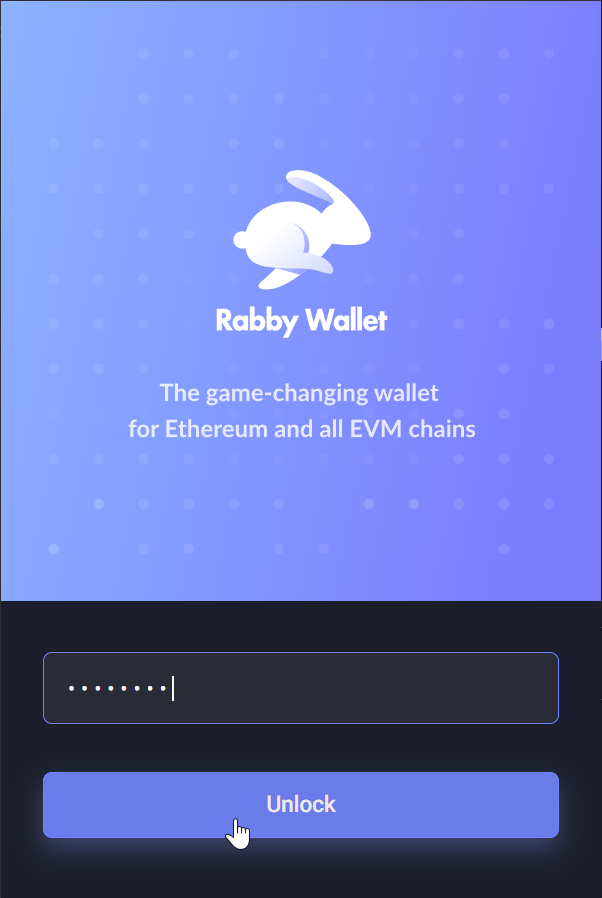
<figure><img src="https://180242877-files.gitbook.io/~/files/v0/b/gitbook-x-prod.appspot.com/o/spaces%2FJvtfR7L0PJEmCLLFDuzx%2Fuploads%2Fi1aNUaTQjgjbjXxYSNV9%2Flink-wallet-unlock-rabby.png?alt=media" alt="The Rabby unlock screen" width="300"><figcaption><p>Unlock your wallet before you start.</p></figcaption></figure>

### 1. Open the Space Bonus page

In the same browser as your wallet extension, open the [Space Bonus page](https://autofaucet.dutchycorp.space/?redir=space_bonus) and log in to your Final Autoclaim account.

{% hint style="info" %}
On mobile, open that address from **inside your wallet's DApp browser** rather than from your usual browser. In Trust Wallet, tap the **DApps** icon and paste the address in the search bar.
{% endhint %}

### 2. Click LINK SPACE WALLET

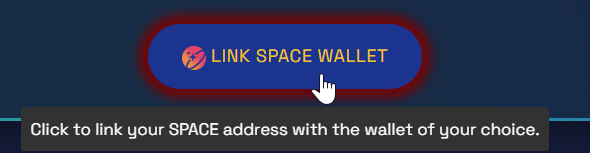
Scroll down until you find the **LINK SPACE WALLET** button, then click it.

<figure><img src="https://180242877-files.gitbook.io/~/files/v0/b/gitbook-x-prod.appspot.com/o/spaces%2FJvtfR7L0PJEmCLLFDuzx%2Fuploads%2FiqFMqMCES60v9GHCxFV3%2Flink-wallet-link-space-wallet-button.png?alt=media" alt="The LINK SPACE WALLET button on the Space Bonus page"><figcaption><p>Click the <strong>LINK SPACE WALLET</strong> button.</p></figcaption></figure>

### 3. Choose your wallet

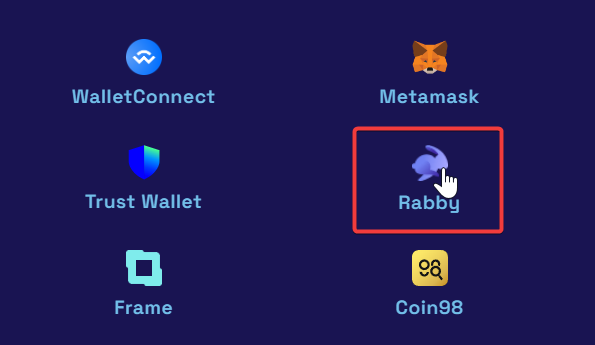
On **desktop**, the picker offers **WalletConnect**, **Metamask**, **Trust Wallet**, **Rabby** and **Frame**. Pick the one you use.

<figure><img src="https://180242877-files.gitbook.io/~/files/v0/b/gitbook-x-prod.appspot.com/o/spaces%2FJvtfR7L0PJEmCLLFDuzx%2Fuploads%2FAw3zP7YK6s59di1Z28ve%2Flink-wallet-picker.png?alt=media" alt="The wallet picker on the Space Bonus page"><figcaption><p>Select your wallet. Rabby is shown here as an example.</p></figcaption></figure>

{% hint style="warning" %}
On **mobile**, the picker only offers **WalletConnect** — the extension buttons are hidden there. Use WalletConnect, or open the page from your wallet's DApp browser as described above.

On an **iPhone or iPad**, Trust Wallet hides its DApp browser by default. [This video](https://www.youtube.com/watch?v=2lZhEzULOSw) shows how to enable it; otherwise use WalletConnect.
{% endhint %}

### 4. Sign the authentication

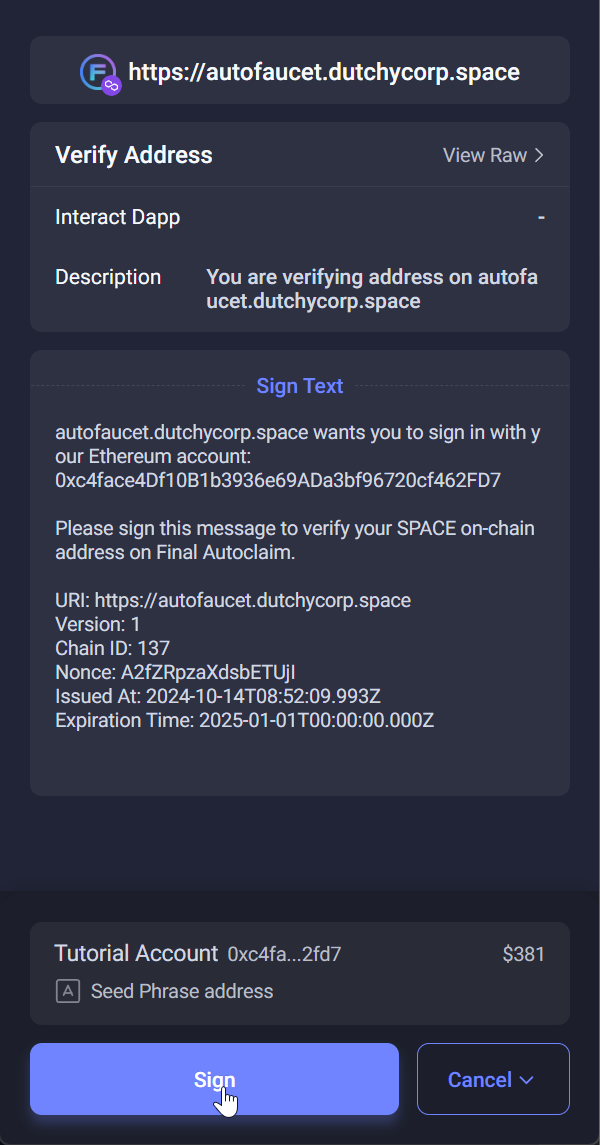
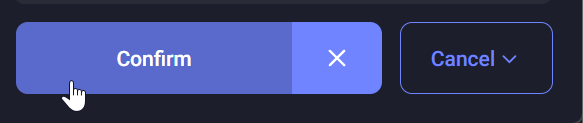
Your wallet asks you to sign the authentication to Final Autoclaim. Click **Sign**, then **Confirm**.

<figure><img src="https://180242877-files.gitbook.io/~/files/v0/b/gitbook-x-prod.appspot.com/o/spaces%2FJvtfR7L0PJEmCLLFDuzx%2Fuploads%2F6zIvWH57BUMEaoBBb5d1%2Flink-wallet-sign.png?alt=media" alt="The wallet asking to sign the Final Autoclaim authentication" width="300"><figcaption><p>Click the <strong>Sign</strong> button.</p></figcaption></figure>

<figure><img src="https://180242877-files.gitbook.io/~/files/v0/b/gitbook-x-prod.appspot.com/o/spaces%2FJvtfR7L0PJEmCLLFDuzx%2Fuploads%2F06RfWherzoBtNZufQo9E%2Flink-wallet-confirm.png?alt=media" alt="The Confirm button of the signature prompt"><figcaption><p>Click the <strong>Confirm</strong> button.</p></figcaption></figure>

### 5. Wait for the verification

The system then checks that your address is valid. This can take up to a minute, and you see this message while it runs.

<figure><img src="https://180242877-files.gitbook.io/~/files/v0/b/gitbook-x-prod.appspot.com/o/spaces%2FJvtfR7L0PJEmCLLFDuzx%2Fuploads%2F5LkPzSmPIyRI5wlaWcF9%2Flink-wallet-verifying.png?alt=media" alt="The address verification in progress"><figcaption><p>The verification is running.</p></figcaption></figure>

You then get the confirmation that your address is linked to your Final Autoclaim account.

<figure><img src="https://180242877-files.gitbook.io/~/files/v0/b/gitbook-x-prod.appspot.com/o/spaces%2FJvtfR7L0PJEmCLLFDuzx%2Fuploads%2F3aaDnNGVMqEsb1dmy4hZ%2Flink-wallet-linked.png?alt=media" alt="The confirmation that the address is linked"><figcaption><p>Your address is successfully linked.</p></figcaption></figure>

### 🎉 Congratulations!

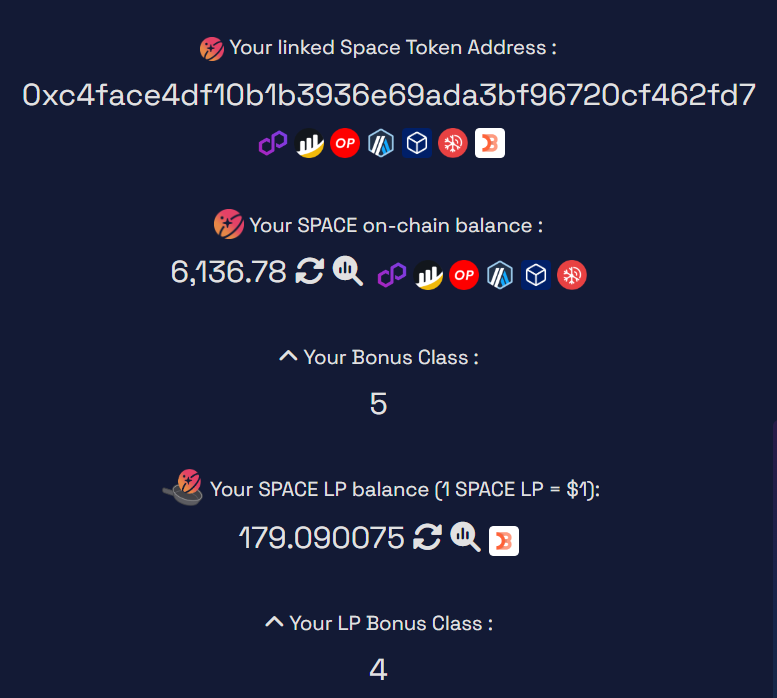
Your wallet is linked to your Final Autoclaim account, and the page now shows it as **Your Linked Space Token Address**.

<figure><img src="https://180242877-files.gitbook.io/~/files/v0/b/gitbook-x-prod.appspot.com/o/spaces%2FJvtfR7L0PJEmCLLFDuzx%2Fuploads%2FmfZ3FzYtzMEN2tYEYzRp%2Flink-wallet-address-shown.png?alt=media" alt="The linked Space Token address shown on the Space Bonus page"><figcaption><p>Your linked address, shown on the Space Bonus page.</p></figcaption></figure>

{% hint style="success" %}
From now on you can enjoy the [Space Token and SPACE LP holder benefits](/space-token-bonuses.md).
{% endhint %}